
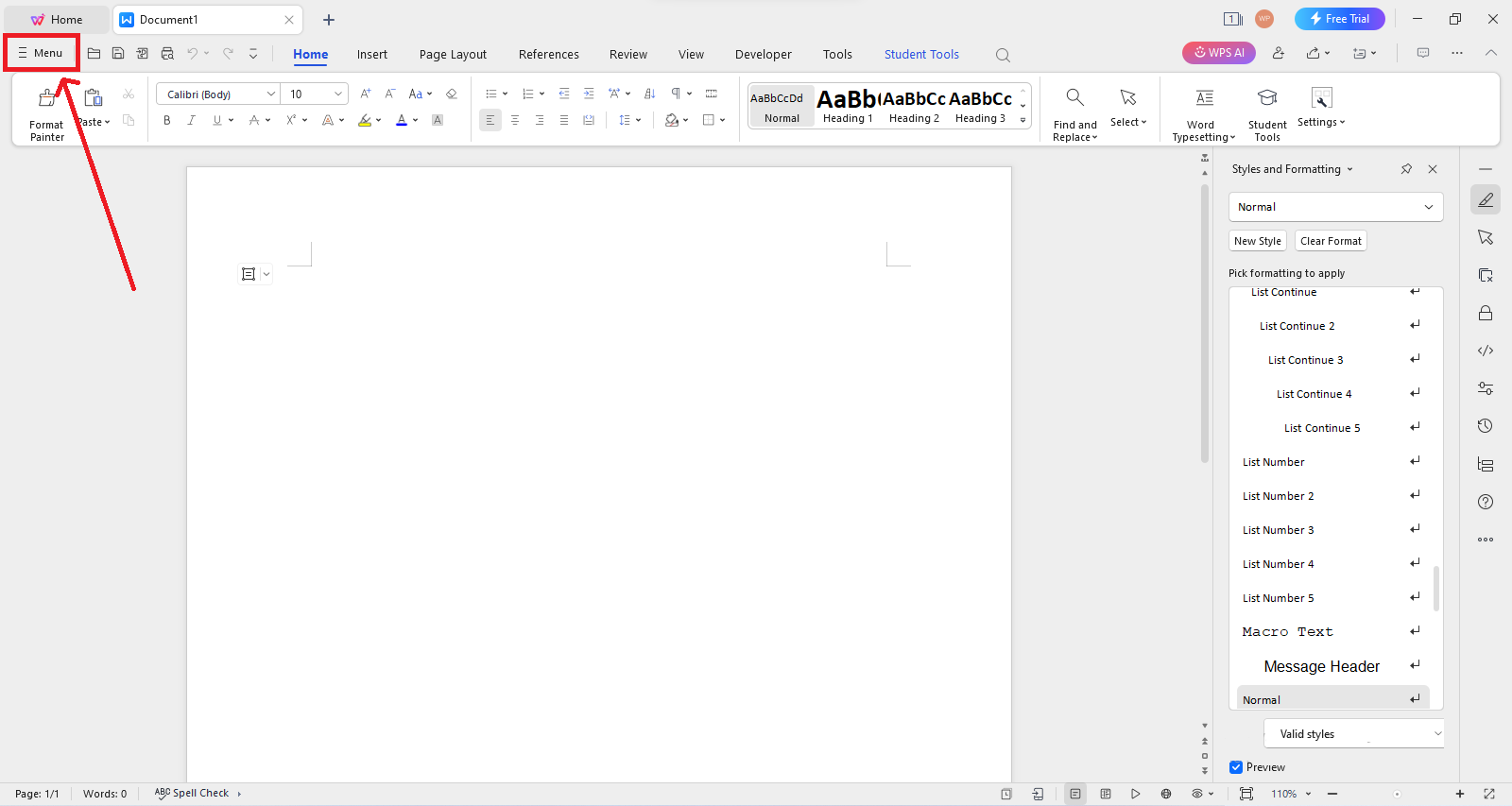
Effective project management is critical for businesses aiming to deliver results on time and within budget. In today’s fast-paced digital environment, teams need tools that streamline collaboration, enhance productivity, and maintain clear communication. WPS offers a comprehensive suite of solutions designed to meet these demands, making it an essential tool for project management teams. By leveraging WPS, teams can improve workflow efficiency, track progress effectively, and ensure that project goals are consistently met.
Streamlining Document Management with WPS
One of the biggest challenges project management teams face is managing documents across multiple team members. WPS simplifies this process with a unified platform that allows for the creation, editing, and sharing of documents, spreadsheets, and presentations. Its cloud integration ensures that team members can access up-to-date files from anywhere, reducing the risk of version conflicts and lost information.
WPS’s collaborative features allow multiple users to edit documents simultaneously, which is particularly beneficial for teams working remotely or across different time zones. Real-time commenting and annotations further enhance communication, allowing managers and team members to provide feedback quickly without the need for lengthy email chains. By centralizing document management, WPS ensures that every team member has access to the most recent project information, facilitating smoother project execution.
Enhancing Task Management and Scheduling
Project management is heavily reliant on effective task assignment and scheduling. WPS provides tools to create detailed project plans, track milestones, and assign responsibilities efficiently. Teams can use spreadsheets and project templates to visualize timelines, manage resources, and monitor task completion rates.
With WPS, managers can quickly adjust schedules in response to changing priorities. Its flexible tools allow for the creation of Gantt charts, progress trackers, and task lists, giving teams a clear overview of ongoing activities. This level of organization minimizes confusion, ensures accountability, and helps teams maintain focus on priority tasks.
Facilitating Team Collaboration
Collaboration lies at the heart of successful project management. WPS supports seamless teamwork by offering features that encourage communication and cooperation among team members. Its cloud-based environment enables team members to work on documents simultaneously while maintaining a history of edits, so every change is trackable and reversible if necessary.
Moreover, WPS integrates communication tools that allow for discussion threads within documents, ensuring that feedback is contextual and actionable. By keeping communication tied directly to the work being done, teams can avoid misinterpretations and reduce the need for lengthy meetings. This collaborative approach helps teams stay aligned on project goals and accelerates decision-making processes.
Improving Data Analysis and Reporting
Accurate data analysis is essential for project management teams to make informed decisions. WPS spreadsheets provide advanced tools for data organization, calculation, and visualization. Teams can compile project metrics, track resource usage, and analyze performance trends with ease.
WPS also allows for the creation of detailed reports and dashboards, offering insights into project progress and team performance. Customizable charts and graphs make it easy to present data clearly to stakeholders, facilitating transparency and accountability. By leveraging WPS’s analytical capabilities, project managers can identify potential issues early, optimize resource allocation, and ensure that projects remain on track.
Automating Routine Tasks
Project management involves numerous repetitive tasks, such as updating progress reports or calculating budget changes. WPS helps teams automate these processes, freeing up time for more strategic activities. For instance, using formulas and macros in WPS spreadsheets, teams can automatically update schedules, generate status reports, and calculate financial metrics.
Automation reduces the likelihood of human error, improves efficiency, and allows teams to focus on high-value tasks that drive project success. By incorporating WPS into their workflows, project management teams can streamline operations and maintain consistent, accurate project documentation.
Supporting Remote and Hybrid Teams
In today’s work environment, many project teams operate remotely or in hybrid arrangements. WPS is designed to support these setups by offering cloud-based accessibility and cross-device compatibility. Whether team members are working from the office, home, or on the go, WPS ensures that they can access project files, contribute to documents, and stay connected with their teams.
Additionally, WPS’s mobile applications enable team members to review documents, provide feedback, and track progress in real-time, no matter their location. This flexibility helps maintain continuity in project management and ensures that remote teams remain fully integrated into the workflow.
Enhancing Security and Version Control
Project management often involves sensitive information, such as budgets, client details, and strategic plans. WPS prioritizes security with features such as password protection, encryption, and cloud backup. These measures help protect project data from unauthorized access and ensure that important files are safeguarded.
Version control is another critical aspect supported by WPS. The platform keeps a history of document changes, allowing teams to revert to previous versions if needed. This feature is particularly valuable when multiple team members collaborate on the same document, as it prevents accidental loss of information and maintains a clear record of project developments.
Customization for Diverse Project Needs
Every project has unique requirements, and WPS accommodates this through customizable templates and tools. Teams can create project-specific spreadsheets, reports, and presentations tailored to their workflow. From simple task tracking sheets to complex financial analysis dashboards, WPS provides the flexibility needed to adapt to different project management methodologies.
This level of customization ensures that teams can implement best practices, maintain consistency in documentation, and optimize their processes according to project demands. By leveraging WPS’s adaptable tools, project management teams can work more efficiently and achieve better results.
Conclusion
WPS has emerged as a versatile and powerful solution for project management teams, offering tools that enhance collaboration, improve task tracking, and streamline data analysis. Its document management capabilities, cloud integration, and automation features make it an essential asset for teams seeking to optimize productivity and maintain control over complex projects.
By incorporating WPS into their workflows, project management teams can reduce manual work, enhance communication, and ensure that projects are completed efficiently and accurately. Whether managing remote teams, tracking budgets, or preparing detailed reports, WPS provides the flexibility, security, and functionality needed to support every aspect of project management. For teams striving to stay competitive in today’s fast-paced business environment, WPS is not just a tool—it’s a strategic partner in achieving project success.
